
Python Integration
A complete step by step guide for integrating JJuma payments into a Python web application using Flask, secure checkout redirects, signed webhooks, database updates, duplicate protection, and UGX payment examples.
Keep protected credentials on the Python server only.
Table of Contents
Jump directly to the parts of the Python guide you need.
Introduction
Use Flask for the main example and link to official JJuma docs.
SetupProject Structure
Create the Python app, requirements, and environment files.
ClientJJuma API Client
Wrap create-payment and verification calls in one reusable client.
PayCheckout Flow
Create a payment, redirect to checkout, and handle success or cancel pages.
WebhookSigned Webhooks
Read the raw body, verify the signature, and process events once.
ProdProduction Prep
Run behind Gunicorn or another WSGI server with HTTPS enabled.
Introduction
This guide shows how to integrate JJuma payments into a Python website. Flask is used for the main example because it is simple and widely understood. The same payment and webhook principles also apply to Django, FastAPI, and other Python frameworks.
Use the guide together with the official JJuma documentation for authentication, create-payment requests, verification, webhook signatures, and error handling.
Project Structure and Requirements
Use a clean project structure so your payment, webhook, and database code stay separated.
jjuma-python-integration/
├── .env
├── .env.example
├── .gitignore
├── requirements.txt
├── app.py
├── config.py
├── database.py
├── jjuma_client.py
├── order_service.py
├── payment_routes.py
└── webhook_routes.pypython -m venv .venv
source .venv/bin/activate
python -m pip install Flask requests python-dotenv mysql-connector-python
python -m pip install -r requirements.txt# .env.example
FLASK_ENV=development
SECRET_KEY=change-me
JJUMA_API_BASE_URL=https://api.jjuma.com
JJUMA_PUBLIC_API_KEY=bp_live_pub_your_public_key
JJUMA_SECRET_API_KEY=bp_live_sec_your_secret_key
JJUMA_WEBHOOK_SECRET=your_webhook_secret
DATABASE_HOST=127.0.0.1
DATABASE_PORT=3306
DATABASE_USER=jjuma_app
DATABASE_PASSWORD=strong-password
DATABASE_NAME=jjuma_payReusable JJuma API Client
Keep the API base URL and Authorization header in one place. Use your public key for payment creation and your secret key for server-side verification.
import requests

class JJumaClient:
    def __init__(self, api_base_url, public_key, secret_key):
        self.api_base_url = api_base_url.rstrip("/")
        self.public_key = public_key
        self.secret_key = secret_key

    def create_payment(self, payload):
        response = requests.post(
            f"{self.api_base_url}/api/v1/payments/create",
            headers={"Authorization": f"Bearer {self.public_key}", "Content-Type": "application/json"},
            json=payload,
            timeout=30,
        )
        response.raise_for_status()
        return response.json()

    def verify_payment(self, transaction_id):
        response = requests.get(
            f"{self.api_base_url}/api/v1/payments/verify/{transaction_id}",
            headers={"Authorization": f"Bearer {self.secret_key}", "Content-Type": "application/json"},
            timeout=30,
        )
        response.raise_for_status()
        return response.json()
Payment Creation and Redirects
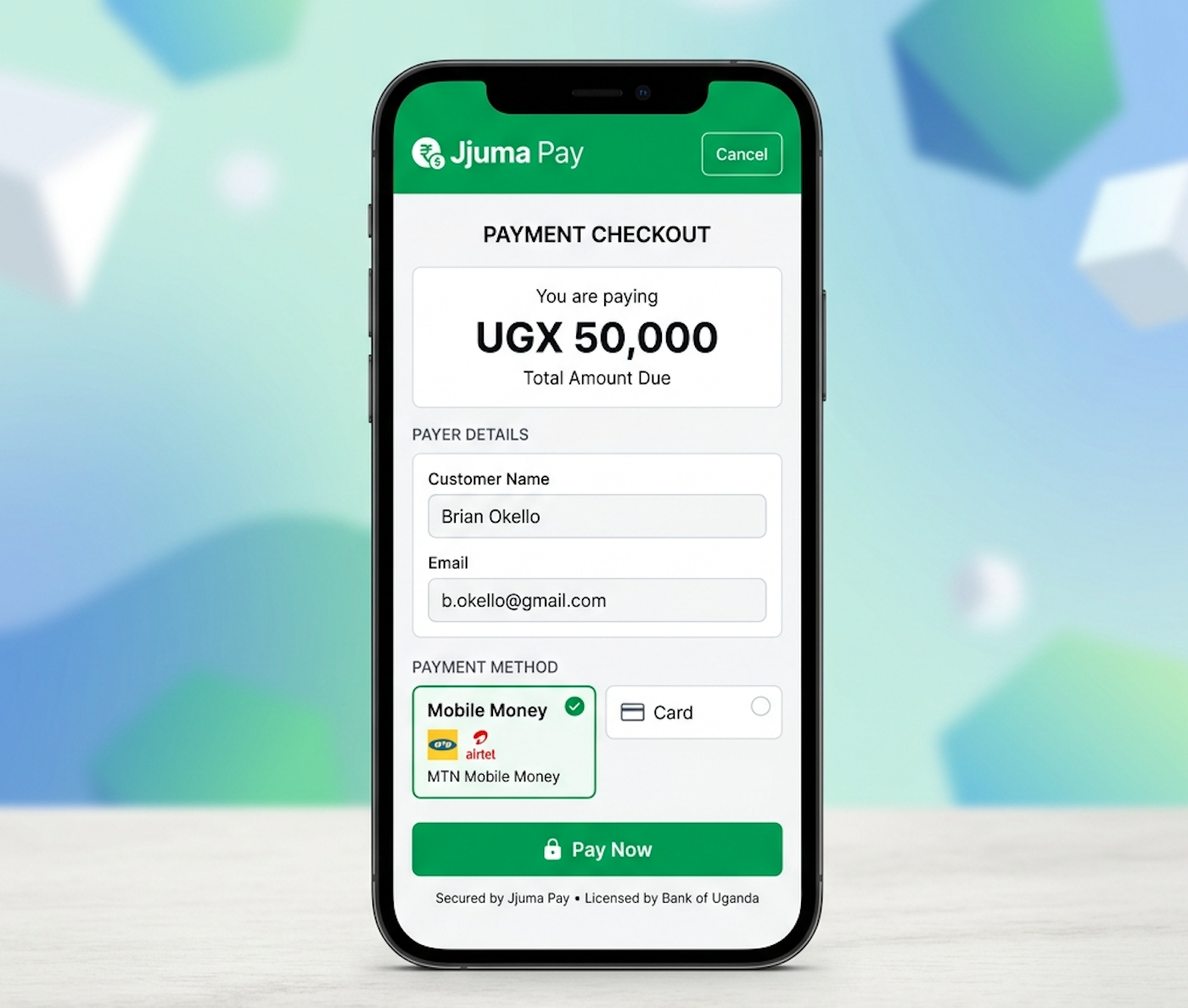
Load the order from your own database, create the payment from the server, then redirect the customer to the hosted JJuma checkout URL.
from decimal import Decimal
from flask import Blueprint, redirect, url_for

payment_bp = Blueprint("payment", __name__)

@payment_bp.post("/checkout/<order_id>")
def create_checkout(order_id):
    # Load amount, currency, and customer details from your database.
    payload = {
        "amount": 50000,
        "currency": "UGX",
        "description": f"Payment for order {order_id}",
        "customer_name": "John Doe",
        "customer_email": "john@example.com",
        "redirect_url": url_for("payment.success", order_id=order_id, _external=True),
        "cancel_redirect_url": url_for("payment.cancel", order_id=order_id, _external=True),
        "webhook_url": url_for("webhook.jjuma_webhook", _external=True),
        "external_order_id": order_id,
        "idempotency_key": f"order-{order_id}",
        "metadata": {"order_id": order_id},
    }
    response = jjuma_client.create_payment(payload)
    payment_url = response.get("data", {}).get("payment_url")
    if not payment_url:
        return {"success": False, "message": response.get("message", "Payment creation failed.")}, 422
return redirect(payment_url, code=302)@payment_bp.get("/success/<order_id>")
def success(order_id):
return f"<h1>Payment received</h1><p>Order {order_id} is being confirmed.</p>"
@payment_bp.get("/cancel/<order_id>")
def cancel(order_id):
return f"<h1>Payment cancelled</h1><p>You can try again for order {order_id}.</p>"The create-payment request can include amount, currency, description, customer_name, customer_email, customer_phone, redirect_url, cancel_redirect_url, webhook_url, external_order_id, idempotency_key, provider, metadata, and return_url when needed.
Webhooks and Signature Verification
Always read the raw request body. Do not reserialize JSON before verifying the signature because the exact bytes must match what JJuma signed.
import hashlib
import hmac
import json
from flask import Blueprint, abort, jsonify, request

webhook_bp = Blueprint("webhook", __name__)

def verify_webhook_signature(raw_body, signature, timestamp, secret):
    expected = hmac.new(
        secret.encode("utf-8"),
        timestamp.encode("utf-8") + b"." + raw_body,
        hashlib.sha256,
    ).hexdigest()
    supplied = signature.removeprefix("sha256=").strip()
    return hmac.compare_digest(expected, supplied)

@webhook_bp.post("/webhooks/jjuma")
def jjuma_webhook():
    raw_body = request.get_data(cache=False, as_text=False)
    signature = request.headers.get("X-Jjuma-Signature", "")
    timestamp = request.headers.get("X-Jjuma-Timestamp", "")
    if not verify_webhook_signature(raw_body, signature, timestamp, JJUMA_WEBHOOK_SECRET):
        abort(401)
    payload = json.loads(raw_body.decode("utf-8") or "{}")
    event = payload.get("event", "")
    event_data = payload.get("data") or payload
    # Use a database transaction and row locks when you update your order.
return jsonify({"status": "ok"})Webhook headers:
X-Jjuma-Signature
X-Jjuma-Timestamp
X-Jjuma-Event
X-Jjuma-Delivery-Id
Signing format:
sha256 = HMAC-SHA256(secret, timestamp + "." + raw_body)
Timestamp format:
ISO 8601 with timezone informationDuplicate Protection and Database Updates
Save the JJuma transaction ID with a unique index, lock the order row, and make all state changes inside one database transaction.
ALTER TABLE orders
ADD UNIQUE KEY unique_jjuma_transaction_id (jjuma_transaction_id);- Mark orders as paid only after the webhook is verified.
- Keep failed and cancelled payments unpaid.
- Return HTTP 200 when a duplicate webhook is already processed.
- Never increase a wallet, activate a package, or extend a subscription twice.
Optional Payment Verification
The signed webhook is the primary source of truth, but you can also confirm the payment directly from JJuma using the verification endpoint.
verification = jjuma_client.verify_payment(transaction_id)
if verification.get("status") == "success":
    data = verification.get("data", {})
    # Compare amount, currency, reference, and status before updating the order.
Testing and Troubleshooting
- Create a test order.
- Confirm the payment URL comes back from JJuma.
- Test success, cancel, and failed flows.
- Make sure the webhook is publicly reachable over HTTPS.
- Check that duplicate webhook deliveries do not duplicate updates.
Production and Security Checklist
gunicorn --bind 0.0.0.0:5000 app:app- Run Flask behind a production WSGI server.
- Use HTTPS.
- Keep credentials in environment variables.
- Preserve the raw request body.
- Use accurate server time.
- Keep dependencies updated.
- Do not log secrets.
- Use database transactions and prepared statements.