API Base
All API requests are sent to https://api.jjuma.com.
 Developer Docs
Payment links, checkout and API integration guide for developers building on the Jjuma Pay platform across Uganda and East Africa.
API access is available only for verified merchants.
Follow these steps to reach your first test payment.
Jump directly into the most common setup and integration topics.
Create an account, complete KYC, and launch your first payment flow.
SecureUse Bearer tokens safely from your backend only.
CollectCreate fixed, donation, or custom amount payment links.
HostedRoute customers to a hosted payment page on pay.jjuma.com.
TrackReview transaction status, amounts, and payment method details.
EventsReceive payment notifications after status changes.
KeysGenerate, rotate, and revoke merchant API credentials.
VerifyComplete verification to unlock payment links and API access.
StoreConnect WordPress stores with verified merchant credentials.
CodesUnderstand API responses and common failure states.
SDKCopy integration snippets for common stacks.
QAValidate the payment flow before launch.
ProdFollow the production launch checklist before accepting live funds.
UpdatesTrack documentation releases and guide updates.
All API requests are sent to https://api.jjuma.com.
Use https://dashboard.jjuma.com to create links, review transactions, and manage keys.
Share a hosted link for school fees, donations, creator support, church giving, and event payments.
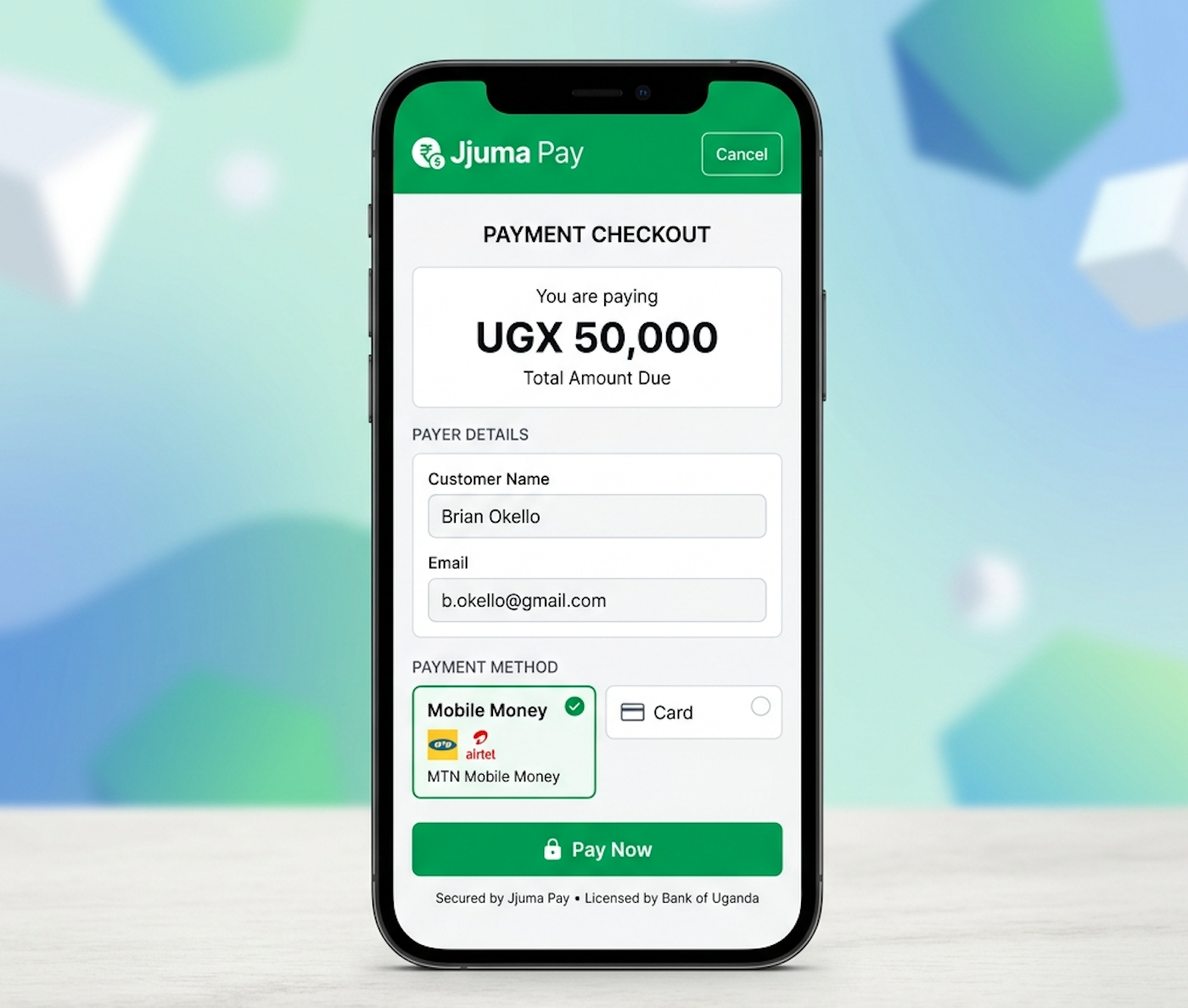
Send customers to a secure checkout page where Jjuma Pay handles the payment experience.
Authenticate from your backend to manage transactions, link creation, and production integrations.